A calmer way to keep stock

Use what’s ready.
Waste less.

PantryPilot puts expiry dates first, so households and small cafes can see what needs attention, where it lives, and what to use next.

✓ Expiry-first queue✓ Self-hosted records✓ CSV in and out
Fresh pantry ingredients arranged on a sunlit counter
Small steps, less waste
↗Use-next firstClear priorities, at a glance
Household-ready Small-cafe friendly No POS bloat Your server, your data
Built around the next decision

Know what to use before it gets forgotten.

Track a delivery as lots with a quantity, a location, and a date. PantryPilot turns those details into a practical daily list.

Start with one pantry
01

Record products and lots

Keep reusable product details separate from each dated delivery or batch.

02

Follow the use-next queue

Active lots sort by earliest expiry, with overdue and soon-due items easy to spot.

03

Log what was used or lost

Record portions used and wasted; review quantities and estimated cost over time.

Useful on a busy day

All the essentials, without a checkout system.

A focused stock workflow for people who need to keep food moving, not configure a full restaurant platform.

◷

Expiry-first dashboard

See active lots, overdue dates, and stock due soon, then open the batches that need a decision.

⇅

Use-next by earliest date

FEFO-style ordering brings the nearest date to the top. Mark quantities used with a short note.

⌖

Products, lots, and places

Separate product details from dated stock lots, with editable pantry, fridge, or shelf locations.

↘

Waste log and cost

Record a reason and quantity for discarded stock; review recorded waste cost by date range.

⇄

CSV import and export

Bring in a prepared stock sheet or export a spreadsheet-safe lot report for backup and review.

▤

Print-ready reports

Get compact stock and waste summaries that work on a phone screen or a printed page.
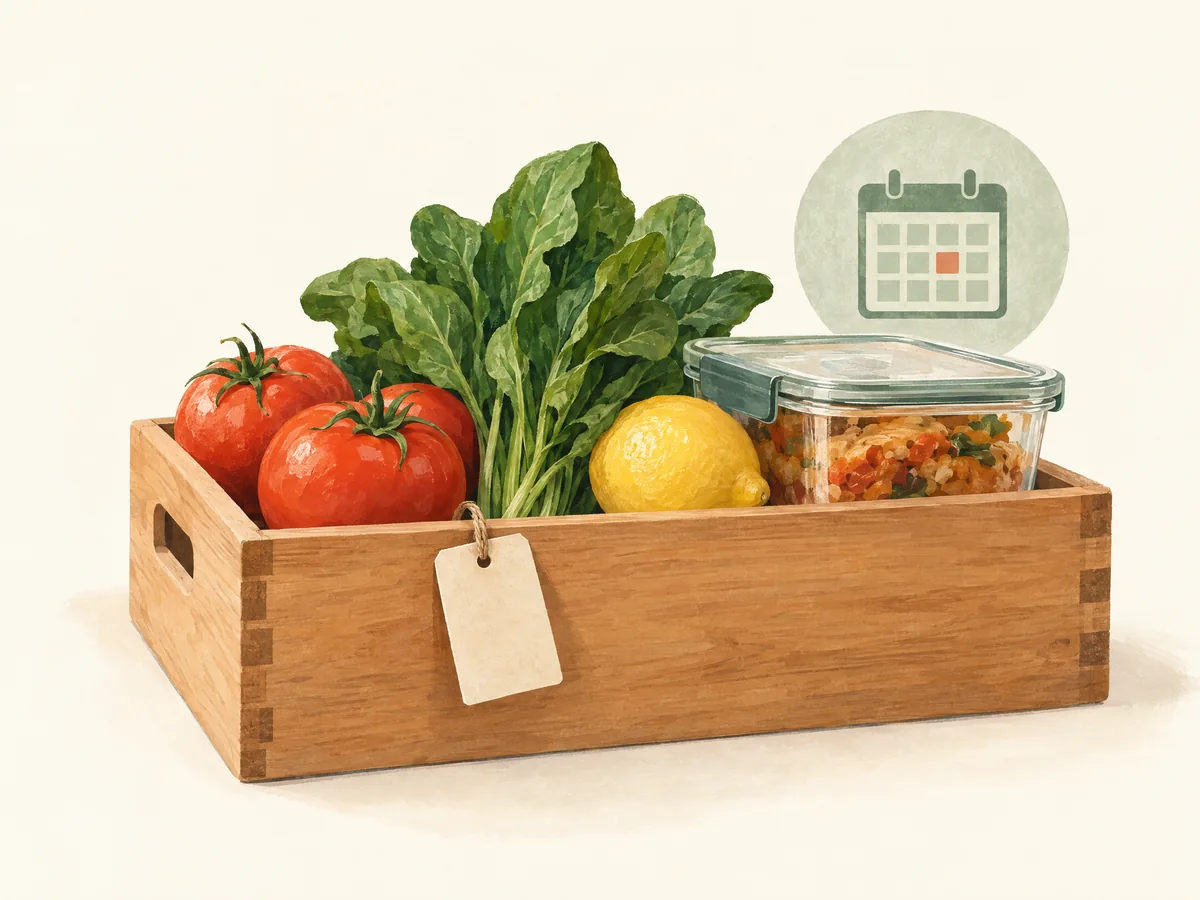
A small crate of fresh ingredients arranged by what to use next
Simple is intentional

One clear list beats another pile of stickers.

Make small stock decisions with a lightweight, responsive admin workspace designed for phones and desktop screens.

Explore your workspace
Self-hosted by default

Your stock records stay on the server you choose.

PantryPilot runs on your PHP hosting and database. The core tracking features do not require an external account or paid API.

  • ✓ Private administrator login and CSRF-protected actions
  • ✓ Secure, bounded CSV import and spreadsheet-safe export
  • ✓ Optional barcode lookup is off until an admin enables it
Keep the workflow small

Stock notes, not a POS migration.

PantryPilot is for households and small teams who want a simple record of what they have and what should be used first. It does not take payments, connect to a point-of-sale terminal, or predict food safety.

Dates are reminders entered by the operator. Always follow packaging instructions and local food-safety rules when deciding whether food is safe to use.

Read the quick answers
Common questions

Good to know before setup.

Clear limits help you decide if this is the right tool for your stock routine.

Is PantryPilot an inventory or POS system?
It is a focused stock and expiry tracker. It does not handle checkout, purchasing, supplier integrations, recipes, staff scheduling, or accounting.
Does it need an external API?
No. Core tracking, CSV, dashboard, and reports work locally. Optional barcode lookup can query Open Food Facts only after an administrator enables it; that sends the entered barcode and hosting server request to the service.
How does the expiry queue work?
Active lots with remaining quantity are ordered by their entered expiry date. The dashboard flags dates in the past, within three days, or within seven days. It is a reminder, not a food-safety judgment.
Can I move my data?
You can export lot and movement CSVs from the admin workspace. A full database backup should also be included in your regular hosting backup routine.
What do I need to install it?
PHP 8.1 or later and either MySQL/MariaDB with PDO MySQL (recommended) or SQLite with PDO SQLite. The included setup page creates the tables and administrator account.

Start with what’s already in your pantry.

Set up your private workspace and add the first product when you’re ready.

Sign in to PantryPilot